
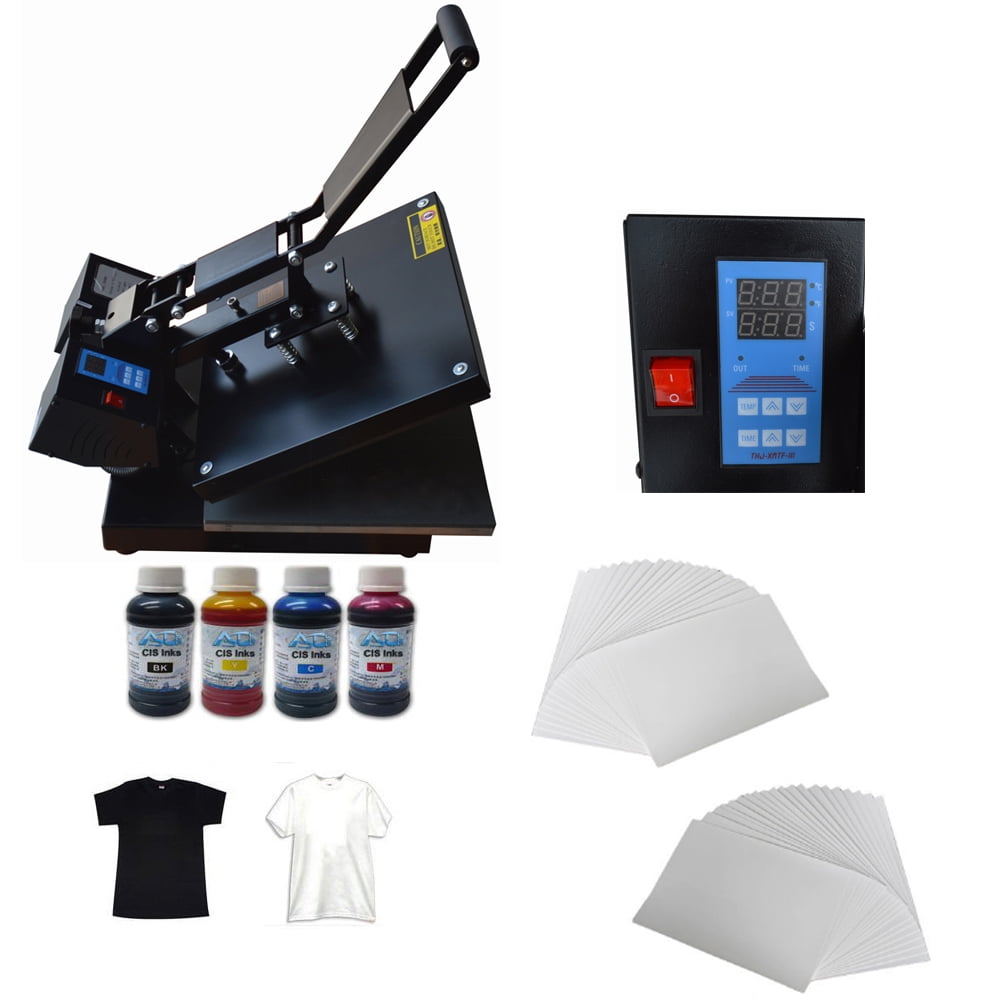
INTBUYING Flat Heat Press Machine,with Transfer Paper Inks T-shirt Start-up Kit for DIY T-shirt Transfer
Product details
| Management number | 231172256 | Release Date | 2026/06/18 | List Price | US$159.60 | Model Number | 231172256 | ||
|---|---|---|---|---|---|---|---|---|---|
| Category | |||||||||
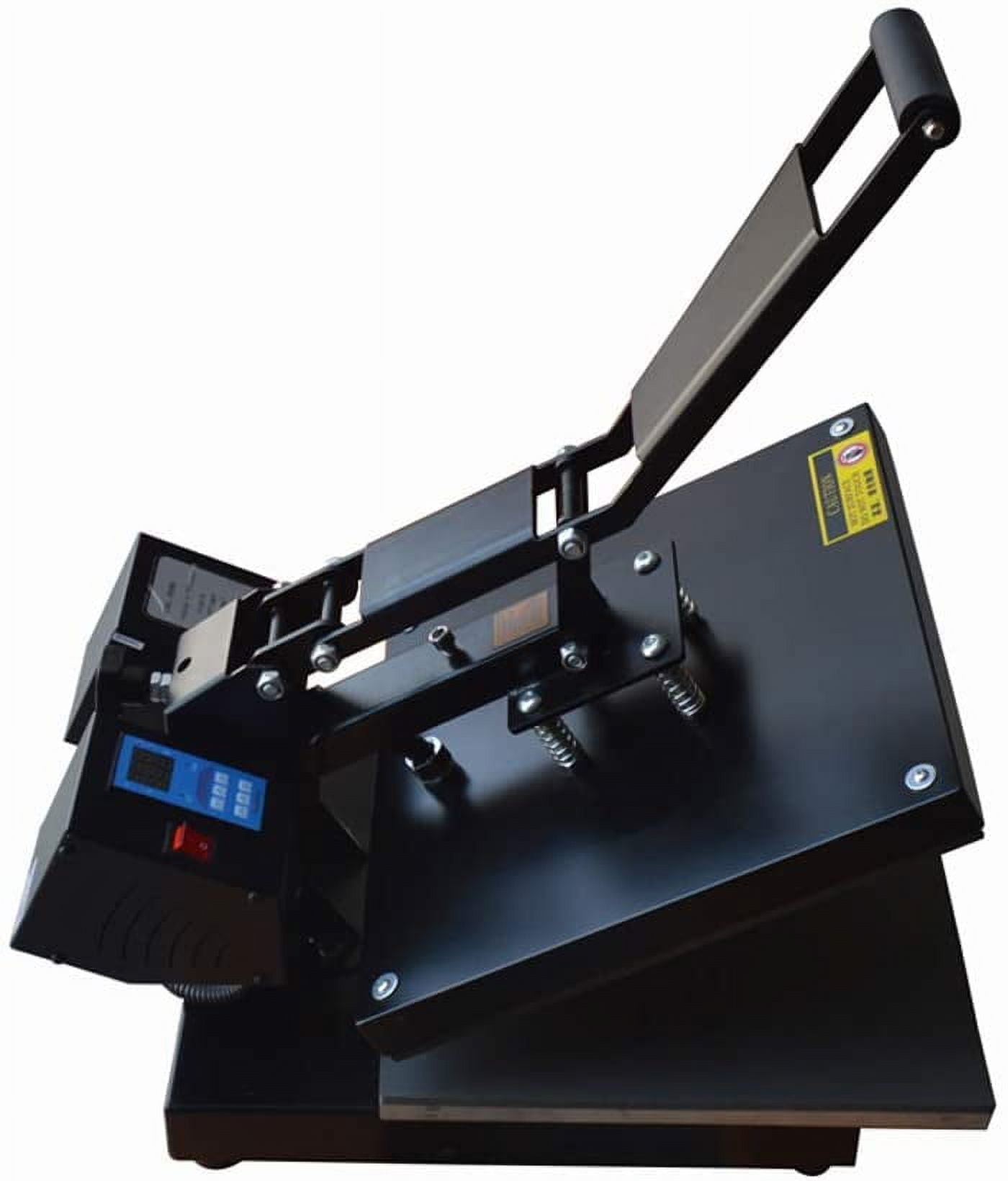
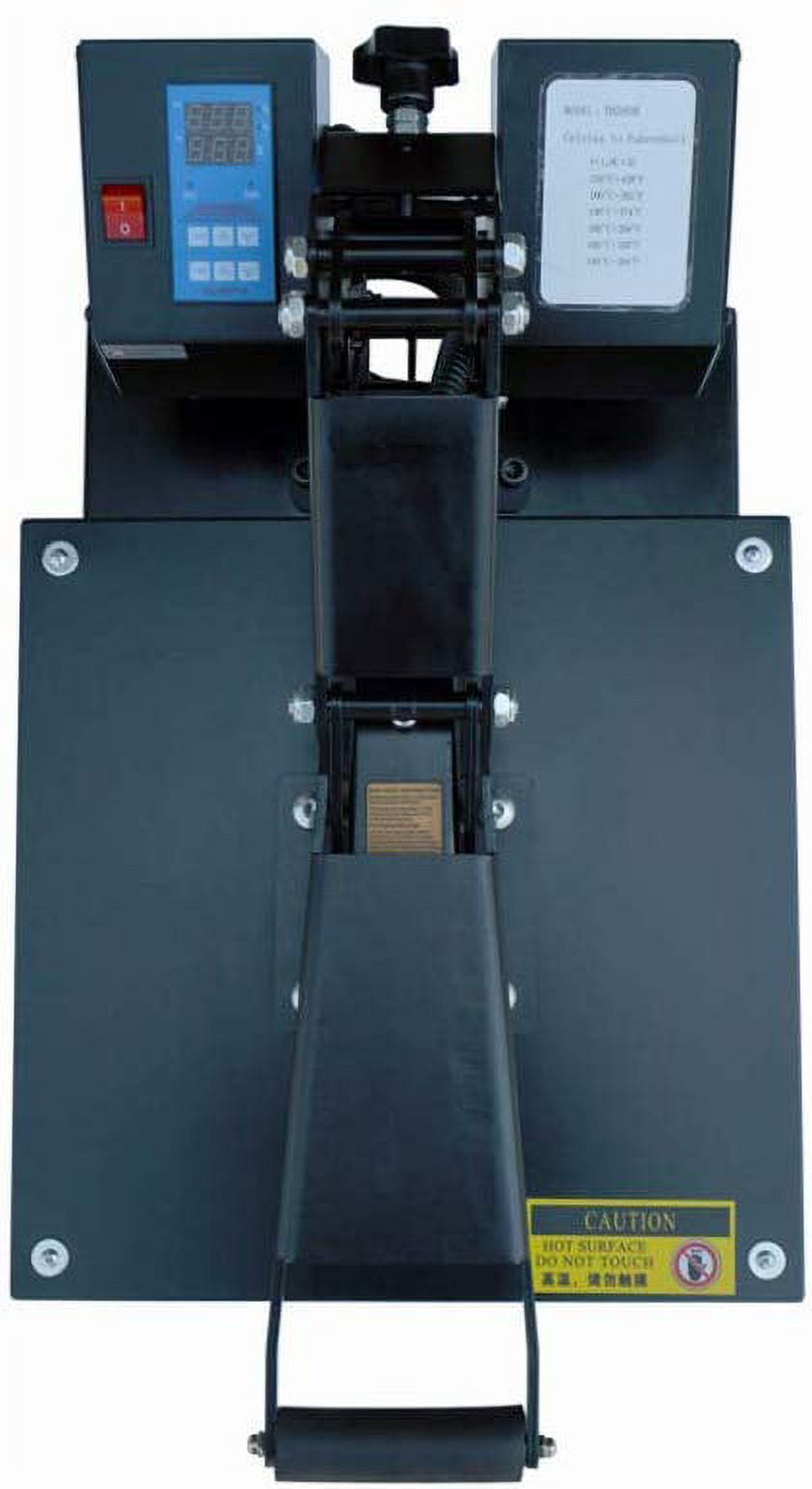
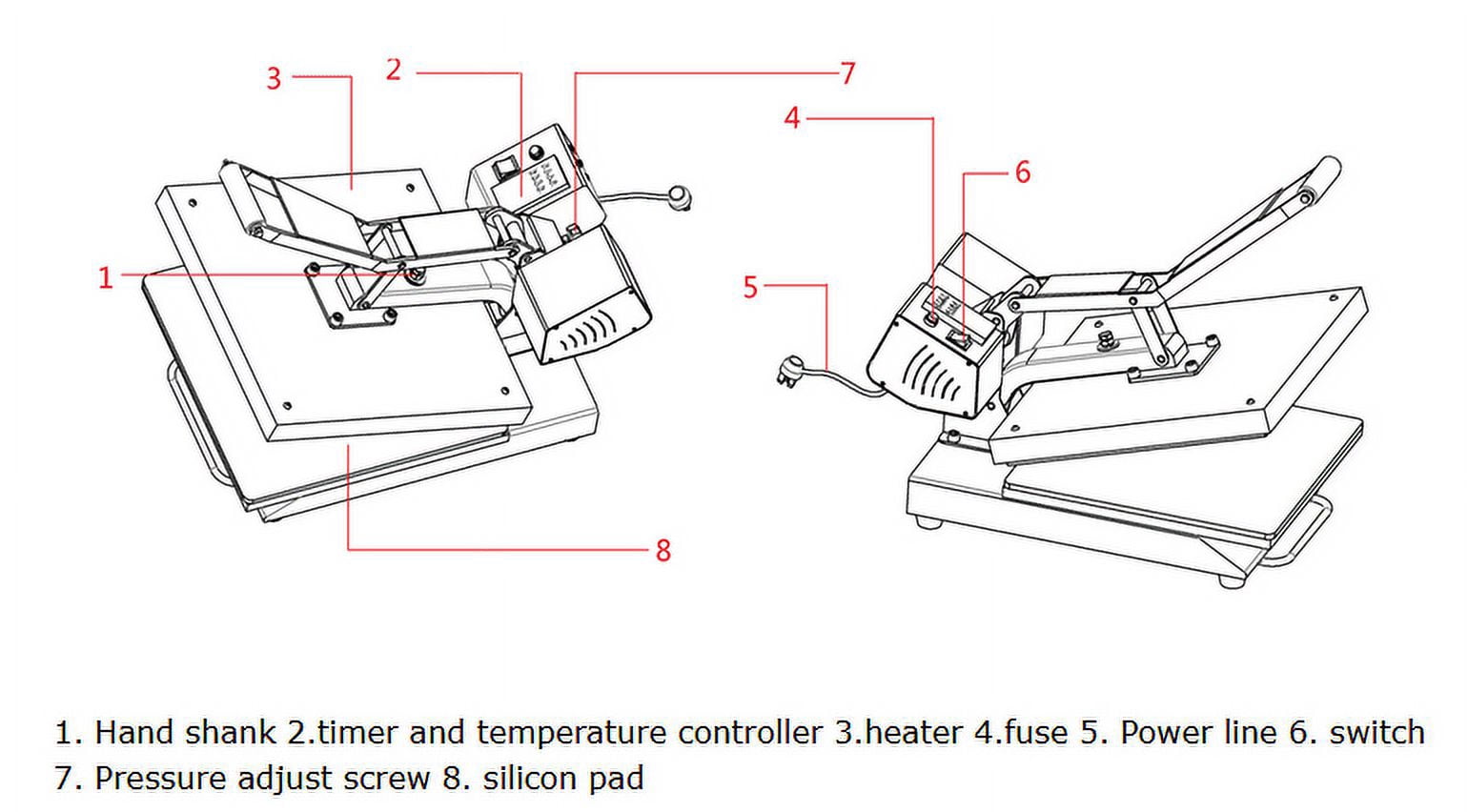
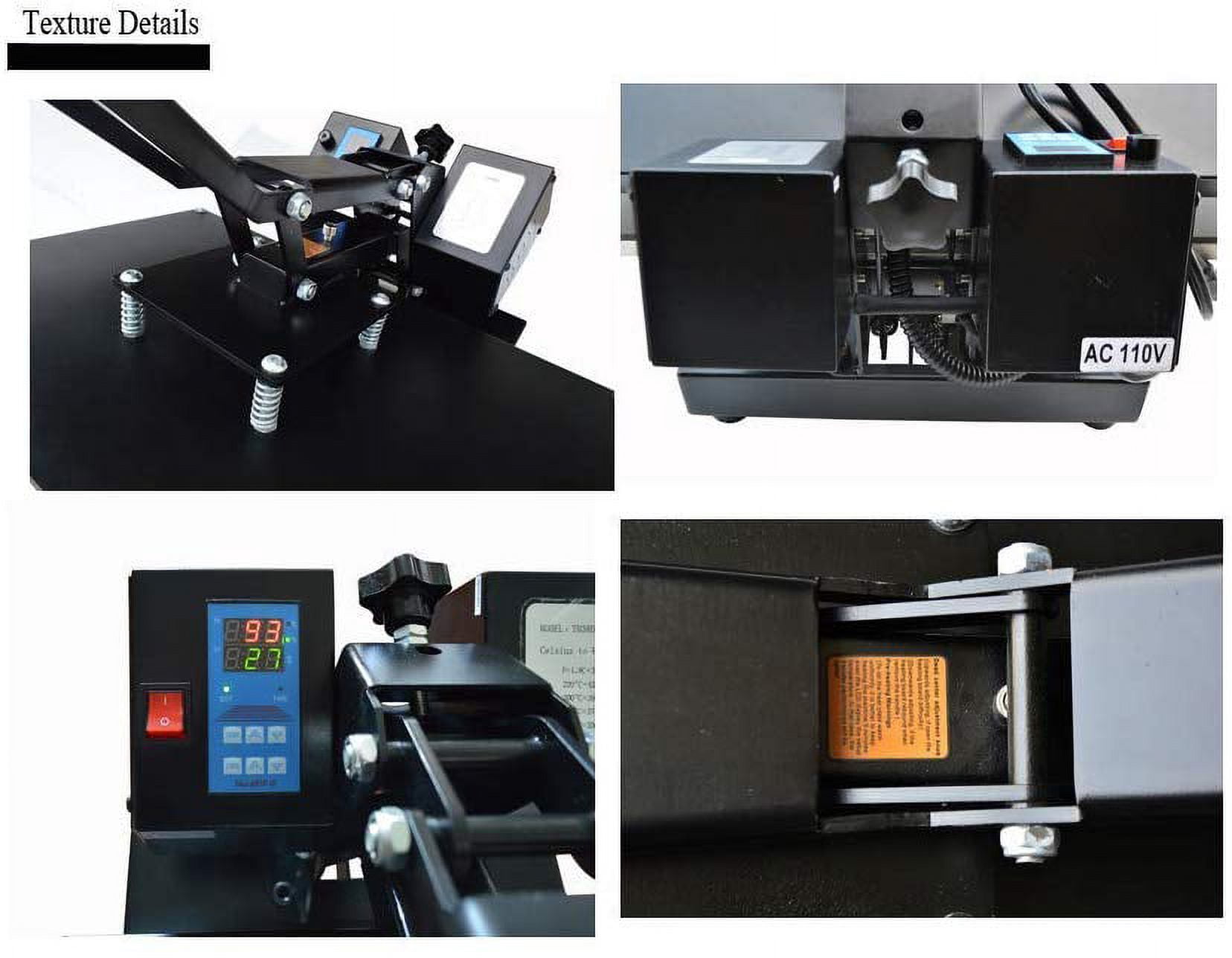
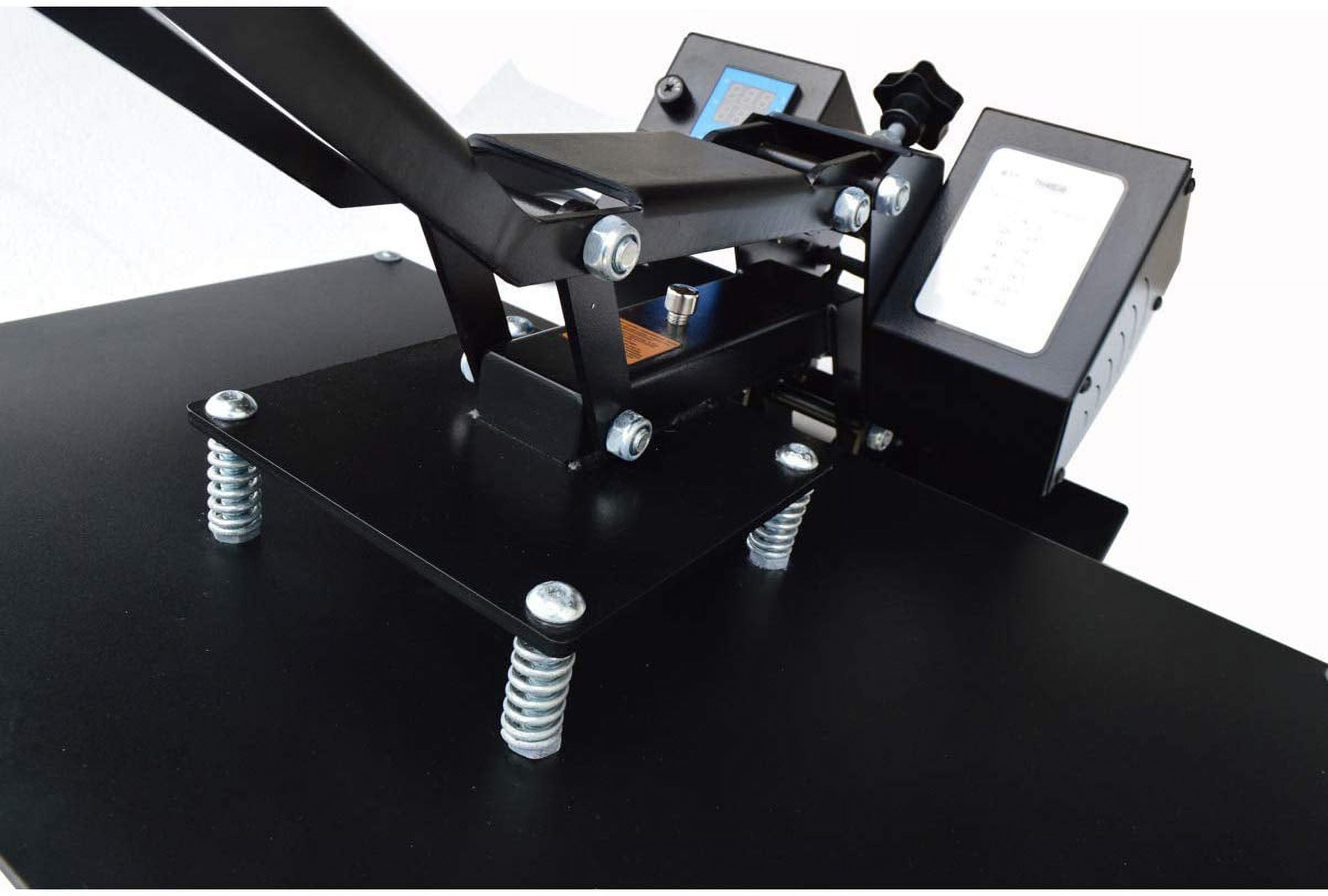
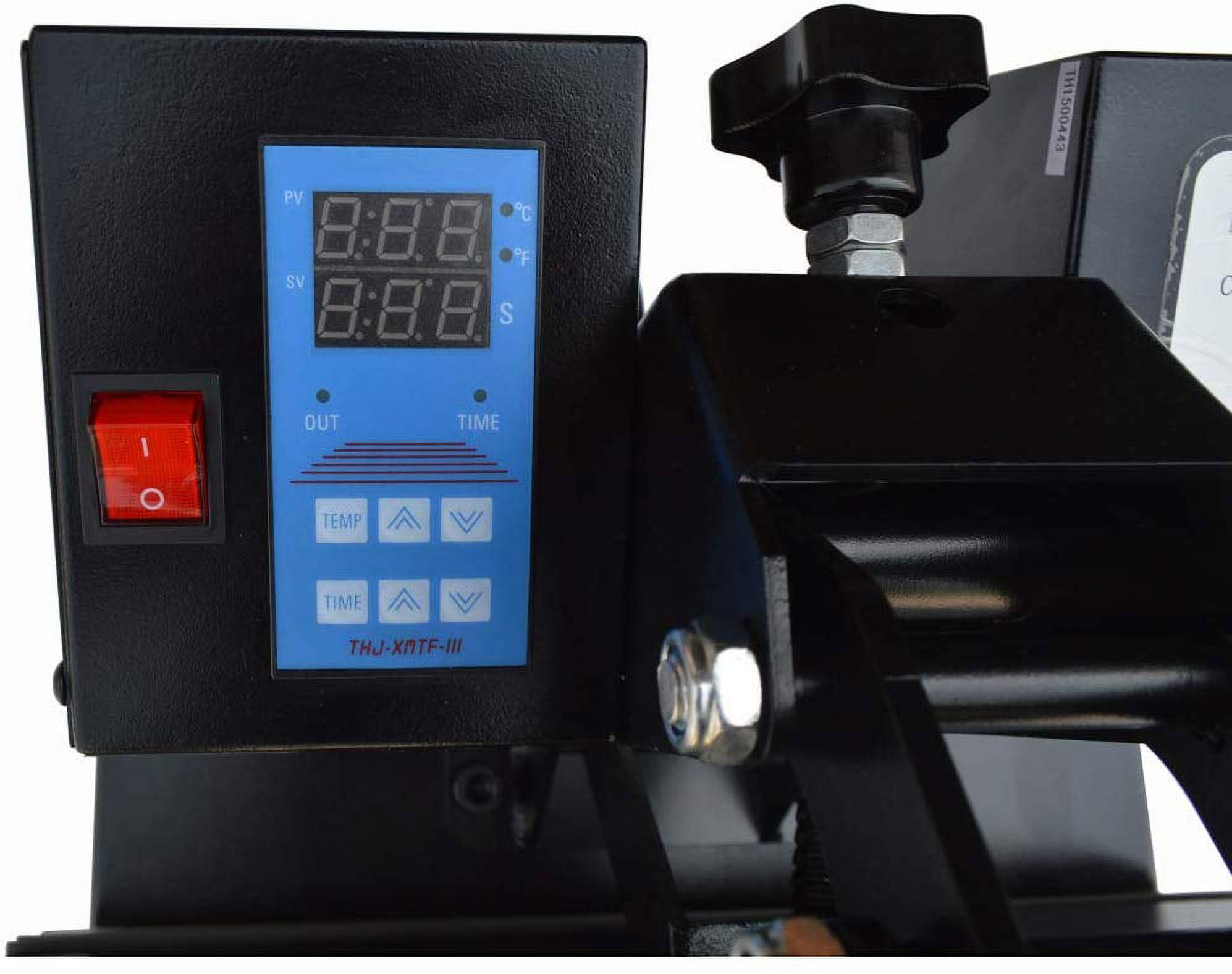
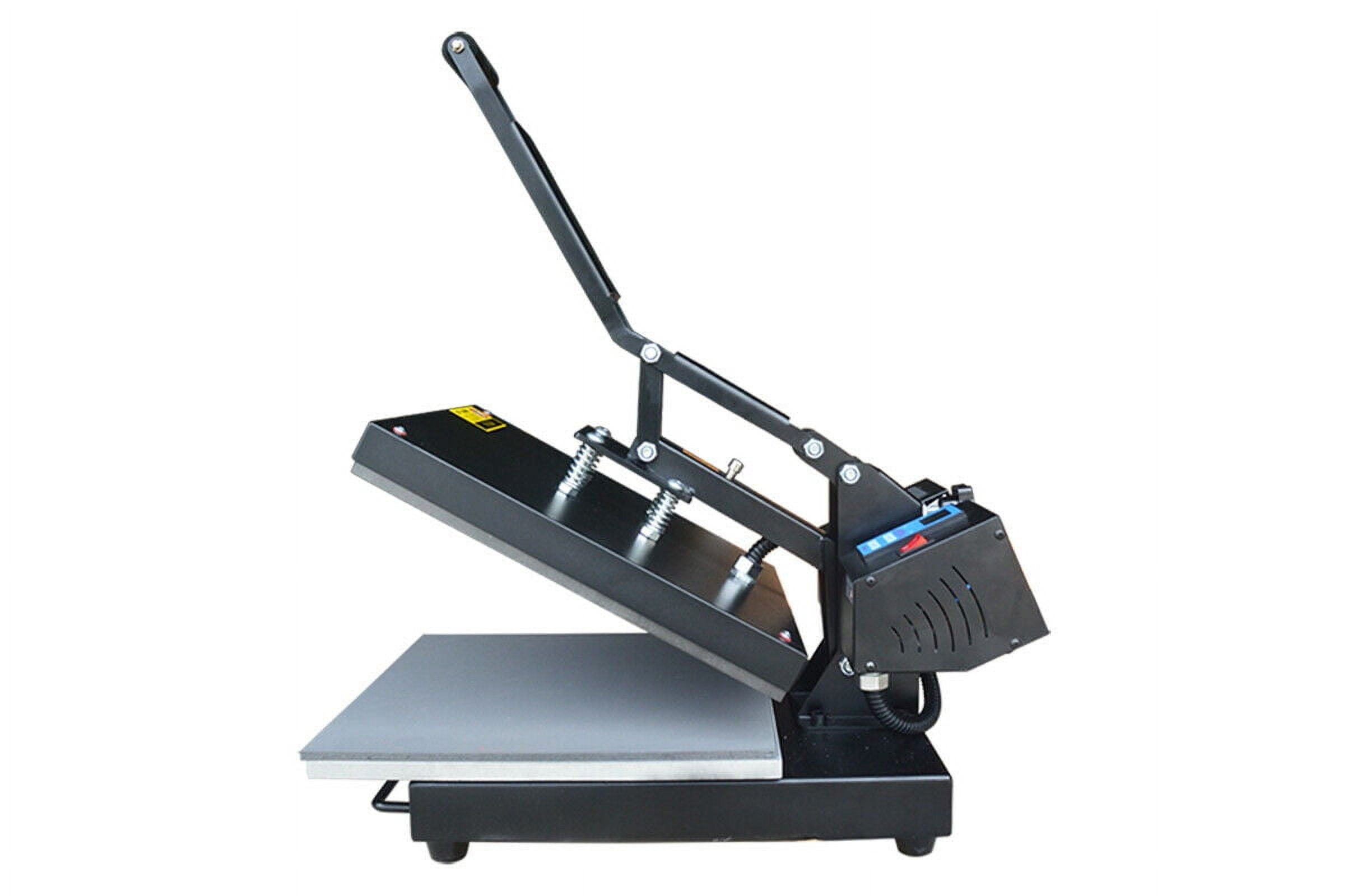
Digital 15x15Inch Flat Heat Press Machine<br>Feature:<br>Model: TH38DB<br>Voltage: 110V<br>Power: 1400W<br>Working Size: 15.0"×15.0" (38×38cm)<br>Temperature Range: 0℃-300℃<br>Time Range: 0-999sec<br>Packing Size: 29.5"×18.9"×22.8" (75×48×58cm)<br>Gross Weight: 62.8lb (28.5kg)<br>Advantage:<br>1.Our machine adopts the full touch digital integrated meter which is convenient and efficient<br>2.High precision, it is great for both beginners and professional heat printers.<br>3.Makes it easier for fixing garment printing.<br>4.Easy for operate and greatly saving labor.<br>5.This heat press is a great space saver in any shop.<br>6.With high quality.<br>Warranty:<br>1.We provide support service for all of our customers to help their heat transfer business goes well.<br>2.Comprehensive guarantee for 6 months except the wearing parts<br>3.User-friendly English manual for machine using and maintaining<br>About Spare Parts:<br>If the parts were broken during the guarantee period, we will provide a new part for free. And customer can buy a new one from our company if the guarantee period is expired.<br><br>Temperature and time setup:<br>1.turn on the switch, machine connect power with buzzer a times,showing temperature and time, the OUT light keep lighting.<br>2.press TEMP button, the temperature screen flash, change the temperature through up and down key. Press TEMP button again to fix the temperature you want.<br>3.press TIME button, the time screen flash, change the time through up and down key. Press TIME button again to fix the time you want.<br>4.When the heater temperature up to the setup temperature , the OUT light crush out.<br><br>Printing steps:Taking the white chemical fiber cloth as an example<br>1.Feed material into inkjet printer, be sure printing on the printable side(white matt coated side).<br>2.Design you image and invert it ,printer setting use Photo Quality or Best Quality print mode.<br>3. Lift up the press handle, and turn on the power.The press should always be in the open position when heating the it.<br>4. Setting temperature and time.<br>5. Press will keep in the constant temperature when rising to the ideal temperature.Put the cloth on the silica pad with the side you want to transfer facing up and smooth out all wrinkles to preheat for 5 second.<br>6.Place on fabric with image face down.<br>7. Lay down the grip to start the transfer ,meanwhile the timer will count automatically.<br>8.While time is up, the buzzer will sound .<br>9. Lift up the press handle again, take out the cloth and peel the paper. peel warm or peel cool refer to transfer paper instruction.<br><br>A4 Sublimation Transfer Paper 1pack<br>Packing size: A4<br>Packing: 100sheets/pack<br>Weight: 0.9kg<br>Product origin: South Korea<br>Description: Qualified inkjet paper for transferring images onto hard surfaces such as coated mugs, coated plates, coated metal boards, etc.<br>Difference from other paper: It have a layer of coating on the print side, Printed color is bright, transfer greatly.<br>Note: This A4 sublimation transfer paper must be printing by sublimation ink. And this paper cannot use on the 100% pure cotton clothes.<br><br>Item Included: 000980<br>1 set 110v 15"x15" Flat Heat press machine(110200)<br>C, M,Y, K, 4bottles, 100ml/bottle (012006-012009)<br>20sheets A4 Light transfer paper (002000*20)<br>20sheets A4 Dark transfer paper (002001*20)<br>2pc White T-shirt (002087)<br>2pc Black T-shirts (002086)<br> 1pc Vector Graphic Art Collections (000784*1)<br>
- Heat Press Printer Vinyl Inks for T-shirt Transfer, Want to DIY T-shirts to yourself, family, friends or earn some money, This item may help you.
- Do T-shirt by light/dark transfer paper is very easy, Just to print your design on transfer paper, then transfer it to T-shirt by heat press machine.
- The package comes with brand new 15"x15" Heat press and others. It is heavy duty commercial build, and comes with digital temperature and timer controls.
- Heat press is widely used for heat transferring images to T-shirts, mouse pads, tiles and any other objects with flat surfaces, by foil, sublimation, inkjet and more.
- Application: For T-shirt, Pillowcase, Puzzle, Mouse Pad, Metal Board, Fridge Magnet, Coaster, Slipper, Bag, Cushion, etc.
- We have 2 different heat presses(15x15 and 16x24) meeting your need.
| Paper size | A4 |
|---|---|
| Transfer paper type | T-Shirt Transfer Paper |
| Form | Sheets |
| Brand | Intbuying |
| Sheets | 100 |
| Piece count | 1 |
Bestseller ranking
Shop All Die Cutting



Customers who viewed this product also viewed
Halloween Party Decor

Correction of product information
If you notice any omissions or errors in the product information on this page, please use the correction request form below.
Correction Request Form